
Transform your kitchen with AI Design
Upload a photo, pick a style you love, and see your new kitchen in under a minute.
Your Photo
📸 Wide, eye-level shots give the most realistic results
Room
Pick a Style
How much should change?
Colors & finishes only — everything stays in place. To move things, choose Remodel.
Add your room photo (Step 1) to generate
★ 4.8 rating · 75,000+ homeowners · Free to try
See what's possible
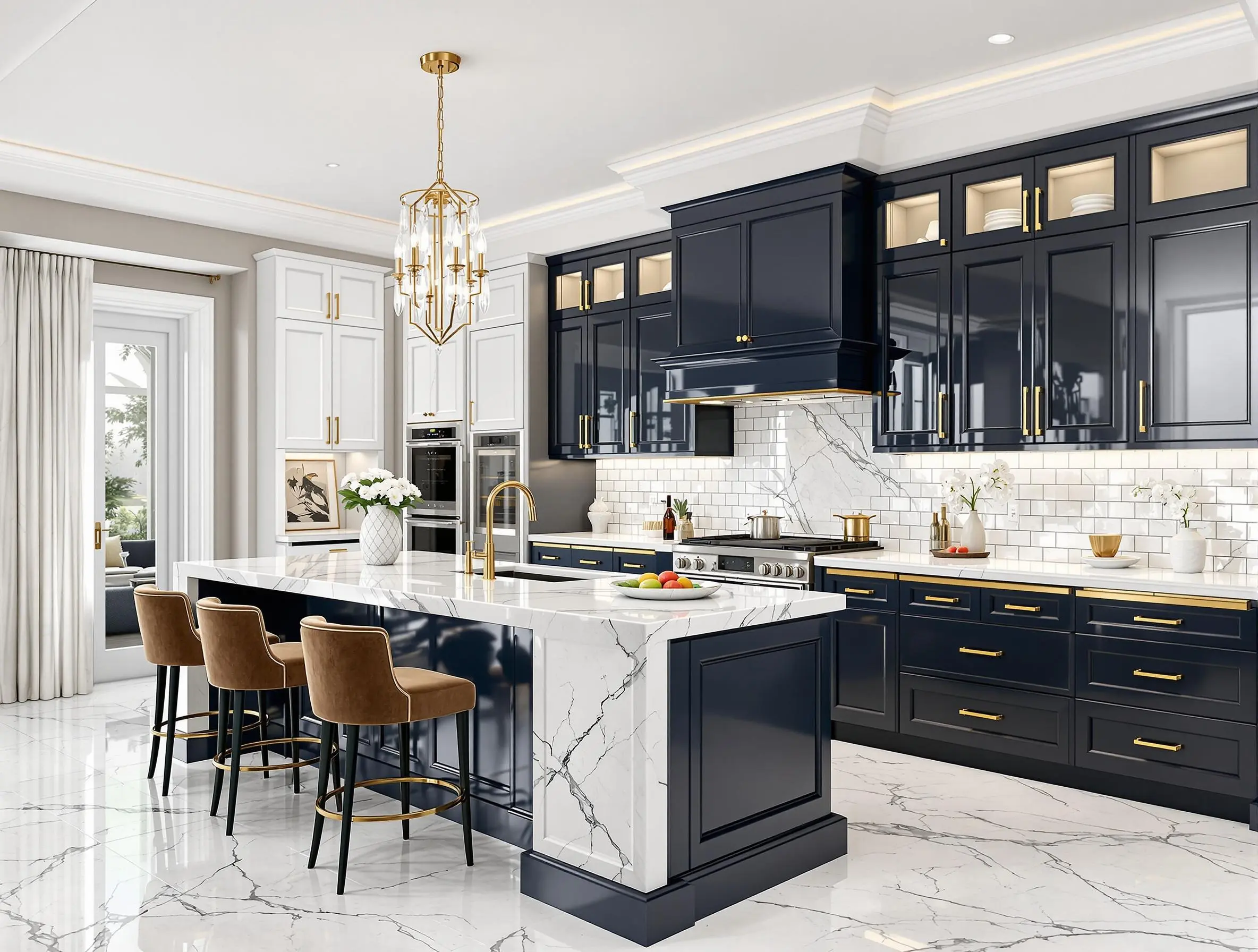
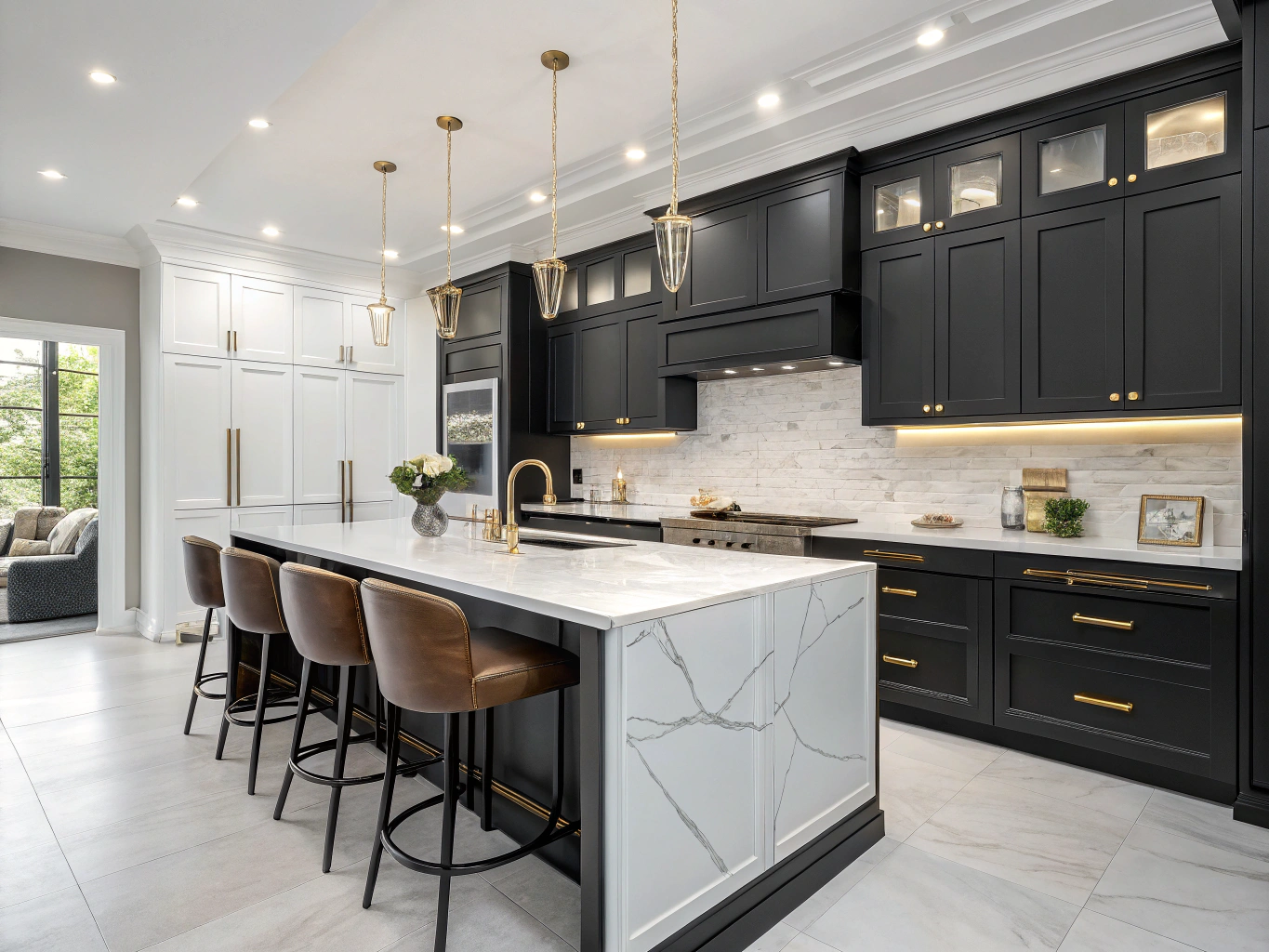
Loved by Homeowners

"Honestly, I was just hoping for some basic ideas, but wow! This tool actually made my 90s kitchen look like something from a magazine."

"Been putting off our kitchen reno for years. Tried this on a whim and it clicked immediately. Saved me from making expensive mistakes!"

"My contractor laughed when I showed him the AI designs... until he realized they were actually really good!"
Why use an AI Kitchen Planner?
Planning a kitchen remodel can be overwhelming. Instead of guessing how new cabinets might look, use our AI kitchen planner to see the results instantly. Just upload a photo of your current space. Whether you are looking for a modern update or a complete kitchen design makeover, our Kitchen AI tool helps you visualize the transformation before you make costly renovation mistakes.
How Our AI Kitchen Design Tool Works
Our AI kitchen design generator uses advanced machine learning to analyze your current kitchen layout and transform it into your dream space. The process is simple:
- Upload a photo of your current kitchen — any angle works, but wider shots give better results.
- Choose a style from 30+ design themes including Modern, Farmhouse, Industrial, Scandinavian, Coastal, and more.
- Pick your preferred colors for cabinets, countertops, and backsplash — or let the AI suggest the best palette.
- Generate and compare — see a photorealistic before-and-after in under 30 seconds.
Unlike traditional kitchen design software that requires hours of 3D modeling, our AI-powered tool produces results in seconds. You can generate multiple variations and compare them side-by-side to find the perfect look.
Popular Kitchen Styles You Can Try
Modern Kitchen Design
Clean lines, handle-less cabinets, and sleek finishes. Modern kitchens emphasize minimalism and functionality.
Farmhouse Kitchen Design
Shaker cabinets, open shelving, and warm wood tones. The farmhouse style creates a cozy, welcoming atmosphere.
Industrial Kitchen Design
Exposed brick, metal accents, and concrete countertops. Industrial design brings raw urban character to your kitchen.
Luxury Kitchen Design
Marble countertops, custom cabinetry, and high-end appliances. Luxury kitchens combine premium materials with expert craftsmanship.
The Best Kitchen Design Tool & App Online
Looking for the best kitchen design tool? KitchenDesign.io replaces traditional kitchen design software that costs hundreds of dollars and takes hours to learn. Our kitchen design app works entirely in your browser — no downloads, no installations.
Unlike generic kitchen design software, our tool uses AI to preserve your kitchen's actual dimensions and layout. The result? Photorealistic redesigns you can share with contractors, compare side-by-side, or use for Pinterest inspiration. Whether you want to design your kitchen online or plan a full remodel from your phone, this is the fastest kitchen design tool available today.
Use Our AI Kitchen Designer on Any Kitchen
Think of this as your AI kitchen designer — always on, always ready, and always fast. Whether you're redoing a tiny galley, opening up a classic L-shape, or designing a new kitchen from scratch, the virtual kitchen designer works the same way: take a photo, pick a style, and see the result in under 30 seconds.
People usually hire an AI kitchen designer for one of three reasons. You want to see modern, farmhouse, and luxury versions of the same kitchen before picking a direction. You want to test a bold cabinet color before committing. Or you want a clean, realistic before-and-after image to show your contractor so they can give you an accurate quote. Our kitchen design app handles all three — in minutes, not weeks.
The AI was trained on thousands of real kitchens. That means cabinet doors look like cabinet doors. Counters meet walls the way they should. Islands sit where islands belong. You get results that hold up in real-world conversations with contractors, not fantasy renders that fall apart the moment you look closely.
New to AI design tools? Read our plain-English explainer: Can AI design my kitchen? It covers how the technology works, what it costs, and what results to expect.
Frequently Asked Questions
How much does the AI kitchen design tool cost?+
Plans start at $14/month and you can cancel anytime. That's a fraction of what a single designer consultation costs. For a low monthly fee you get unlimited kitchen styles, HD downloads, and commercial use of the images.
How accurate are the AI-generated kitchen designs?+
Our AI produces photorealistic renderings that maintain your kitchen's exact layout, window placements, and dimensions. The results are accurate enough to share with contractors and interior designers for real project planning.
Can I use AI to plan a full kitchen remodel?+
Absolutely. Upload your current kitchen photo, experiment with different cabinet styles, countertop materials, and color schemes. Generate multiple variations to compare before committing to a renovation budget. Many users share the AI renders directly with their contractors.